E-Invoice Explained Interactively
What's actually inside an e-invoice? Don't worry – nothing changes in the way you work in GrandTotal: you create your invoice just like before, and the machine-readable XML is generated automatically in the background. Still, here's a look behind the scenes: click any field on the invoice – and instantly see where the value sits in the XML. Invoice number, line items, amounts: it's all there, just machine-readable.
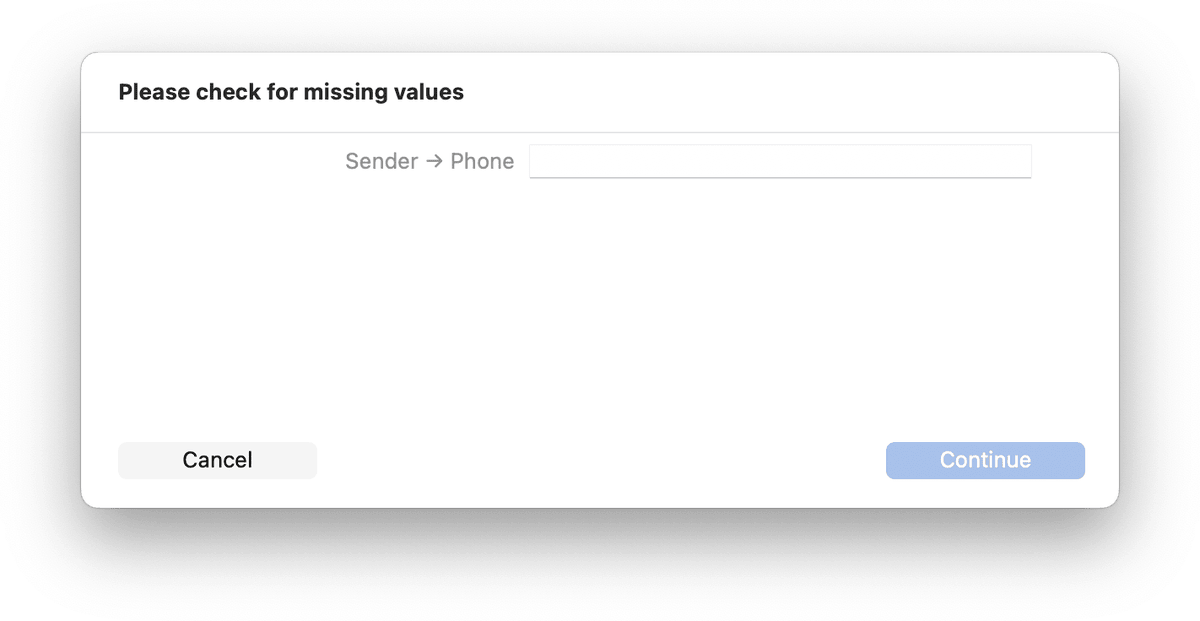
With GrandTotal, typically no additional data entry is required to create an e-invoice. And if needed, missing values can be conveniently added during the sending process.
The free InvoiceViewer can display received e-invoices in a readable format.
Check received e-invoices for free with the E-Invoice Validator – structure and business rules, right in your browser.